Tencent Marvis Office Automation Use Cases: Meeting Minutes, Contract Review, and Data Analysis That Make It Feel Like a Real Assistant
In the previous two Marvis articles, the focus was mainly on two questions:
- Can it take over a computer?
- Can it turn local materials into a knowledge base?
But for most office users, the more practical question is this:
Can it actually take repetitive, time-consuming office tasks off my plate?
For example:
- organizing meeting minutes
- reviewing a contract
- working through an Excel sheet
- exporting the result into a deliverable document
I went back through several more execution-focused public articles on the Marvis website and Tencent Cloud Developer Community. My conclusion comes first:
The point where Marvis really starts to feel like an "office assistant" is not remote control or flashy demos. It is that it can already combine document understanding, formatting work, spreadsheet analysis, and local execution into a workflow that looks much closer to real office work.
Start with the conclusion
- As of June 29, 2026, the most convincing public
Marviscapabilities for office automation are concentrated in four areas:- Meeting minute organization
- Contract clause review
- Excel and spreadsheet data analysis
- Result export and local delivery
- On the Marvis website, the public positioning for its "work assistant" direction is very direct:
- file format conversion
- contract information review
- operational data analysis
- Tencent Cloud Developer Community has already published comparison-based field tests for these scenarios in real office contexts, not just marketing copy.
Why office automation reveals more than ordinary chat
Many AI products can give you an answer in a chat box.
But the tasks that really consume time in an office are usually not just "answering a question." They are things like:
- whether you can upload a file
- whether the system can actually understand the file
- whether it can find the key points inside a long document
- whether it can package the result in a format you can really deliver
In other words, the most painful part of office work is often:
understanding materials + processing materials + delivering materials
If a system-level assistant like Marvis wants to be truly useful, it has to provide practical value across all three, not just offer suggestions in conversation.
The official positioning already makes the office angle clear
Marvis does not dance around office scenarios on its official site. It gives them a very visible label:
A great helper for work
Under that section, the three public capabilities it highlights are:
- file format conversion
- contract information review
- operational data analysis
That matters because it shows Marvis is not trying to be just "another chat assistant." It is aiming for:
an entry point into local document workflows
In other words, it is not trying to win only on "you ask, I answer." It wants a flow where:
- you hand the materials to it
- it processes them first
- then it hands the result back
Use case 1: Meeting minutes are not just transcription, they need to become a deliverable
The public article that comes closest to a real office test is this Tencent Cloud Developer Community post:
Marvis vs ChatGPT/Claude: A Real-World Comparison of Enterprise Office AI Deployment
Its value is high because it does not focus on "which model is smarter." Instead, it runs several of the most common office tasks:
- meeting record organization
- contract review
- data analysis
For the meeting-minute scenario, the test setup is very concrete:
- upload an
MP3meeting recording - generate meeting minutes
- extract action items
More importantly, it highlights a very practical point for Marvis in this workflow:
- support for Word export
That may sound ordinary, but it is actually critical.
The problem with many models is not that they cannot write. It is that:
- the result is viewable, but not ready to hand off
- the output format does not fit real office circulation
- someone still has to copy, paste, and reformat it manually in a document
If Marvis can make the chain of "recognize -> organize -> extract action items -> export document" work smoothly, its value is not saving one reply. It is eliminating an entire round of manual cleanup.
That same public article also gives an important reminder:
- meeting minutes still need human review
- especially for key decisions and numbers, they should not be trusted blindly
That is actually a good sign, because it shows the scenario has moved beyond "can it do it at all?" into "how do we use it safely in a real office?"
Use case 2: Contract review is not just reading a PDF, it is finding risk clauses
In that same public comparison article, another scenario that feels close to a production environment is:
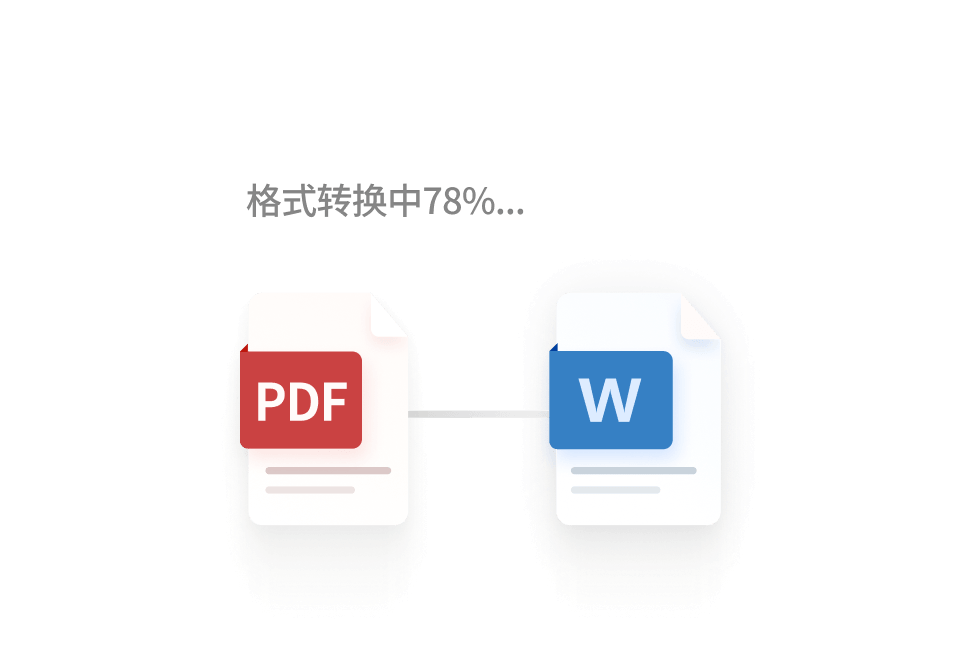
- upload a
20-page PDF contract - identify risky clauses
- generate a review report
The article directly spells out what users actually want the system to examine:
- breach clauses
- compensation clauses
- dispute resolution clauses
Why is this kind of task especially important? Because it is on a completely different difficulty level from ordinary document summarization.
Summarizing a document only tells you what it says. Contract review is more like:
- which clause creates risk
- which clause is one-sided
- which clause may hide a trap
That means the model not only has to read the document. It also has to:
- locate the key passages
- identify clause categories
- produce a result that can be reviewed by a human
The tone of the public material is also fairly honest:
- it can identify common risk clauses
- but complex contracts still require manual review
That makes the guidance more useful, because it shows the most realistic role for Marvis in contract work is not "replace legal." It is:
do the first round of screening and preliminary review for you
For many small and midsize teams, that is already valuable, because the time sink is often not the final signature. It is the first pass of surfacing what matters.
Use case 3: Data analysis is not just reading a spreadsheet, it is explaining the result clearly
Another office-automation scenario that is easy to underestimate is spreadsheets.
Many teams spend their days working with Excel, CSV, and exported reports, but the real time sink is usually not opening the file. It is:
- cleaning fields
- spotting trends
- finding anomalies
- writing the conclusion
The fact that Marvis explicitly lists "operational data analysis" as a public capability is already an important signal.
Layer that together with the public File Agent capabilities that have already appeared elsewhere:
- data analysis report generation
- Office document editing
- file format conversion
and you can see that Marvis is not just trying to solve one tiny request like "help me calculate a number." It is trying to cover a fuller office data workflow:
- read the table first
- summarize it next
- generate a report
- then hand it off
Why is this worth calling out on its own? Because in real offices, people usually do not lack spreadsheet tools. What they lack is:
an assistant that understands the context of a spreadsheet and can write up the conclusion in the same flow
Use case 4: Export capability and local delivery decide whether it is a real office tool
One thing I think people often overlook when testing office AI is this:
Can the final result be delivered directly?
That question is more practical than many benchmark scores.
If a product can only:
- show an answer
- make you copy and paste
- leave you to reformat everything by hand
then it is closer to an inspiration tool.
But if it can:
- read documents
- review content
- process spreadsheets
- then export Word files, reports, or other local deliverables
then it starts to feel like a tool that can actually plug into office workflows.
From the current public examples, Marvis is moving in that direction:
- the local file entry point is clear
- the document-understanding capability is clear
- the office-scenario labels are clear
- the result-delivery capability is starting to be emphasized
That is why I do not think its value in office work should be judged only by whether it can chat well.
Who should try it first
Good candidates to try it now
- people who organize meeting minutes every week
- people who need to review contract risks and do a first-pass screen
- people who often work with operational reports and project spreadsheets
- team members with heavy file conversion and local document workflow needs
- users who want AI to handle "document processing + spreadsheet analysis + local delivery" first
People who can wait and watch
- people who rarely touch local files or long documents
- users whose work is mostly light Q&A and light writing
- people who do not need exportable or locally delivered results
- teams that are not yet ready for local authorization and office-file access
If you want to connect a Marvis-like office workflow to custom models, where is the buying value?
In these scenarios, the more practical questions are usually not "can the model write?" They are:
- are token costs for file-based tasks manageable
- should spreadsheet analysis and long-document Q&A use different models
- can different team members share one unified gateway
- can reports, contracts, and meeting-minute workflows use a single billing layer and entry point
So if you are building for office automation / preliminary contract review / data analysis / local document processing, a unified model gateway is usually easier to roll out than betting everything on a single model.
You can continue from these entry points:
My final take
If I had to summarize my view of the Marvis office-automation path in one sentence, it would be this:
What matters most is not that it can answer questions. It is that it is starting to resemble a real office assistant: reading files, surfacing the important parts, understanding spreadsheets, and handing back a usable result.
In other words, the most convincing parts right now are:
- meeting minutes can become structured outputs
- contract review can handle a first pass on risky clauses
- data analysis is moving beyond reading a table toward report-style output
If Marvis keeps pushing deeper on this path, its office value will become more than a side feature of a system-level AI. It will look more and more like:
a computer that can actually help you finish the messy office work
References
- Marvis official website
- Marvis vs ChatGPT/Claude: A Real-World Comparison of Enterprise Office AI Deployment
- Exploring Three High-Value AI Agent Use Cases in Enterprise Scenarios
- Beginner's Complete Guide: Using Tencent Marvis for Personal Knowledge Management and Intelligent Q&A
- Save Time in Practice: Using Marvis Local Document Recognition to Stop Digging Through Folders for Knowledge Search